Split PDF into Separate Files Online for Free
Split PDF into Separate Files for Free — No Registration
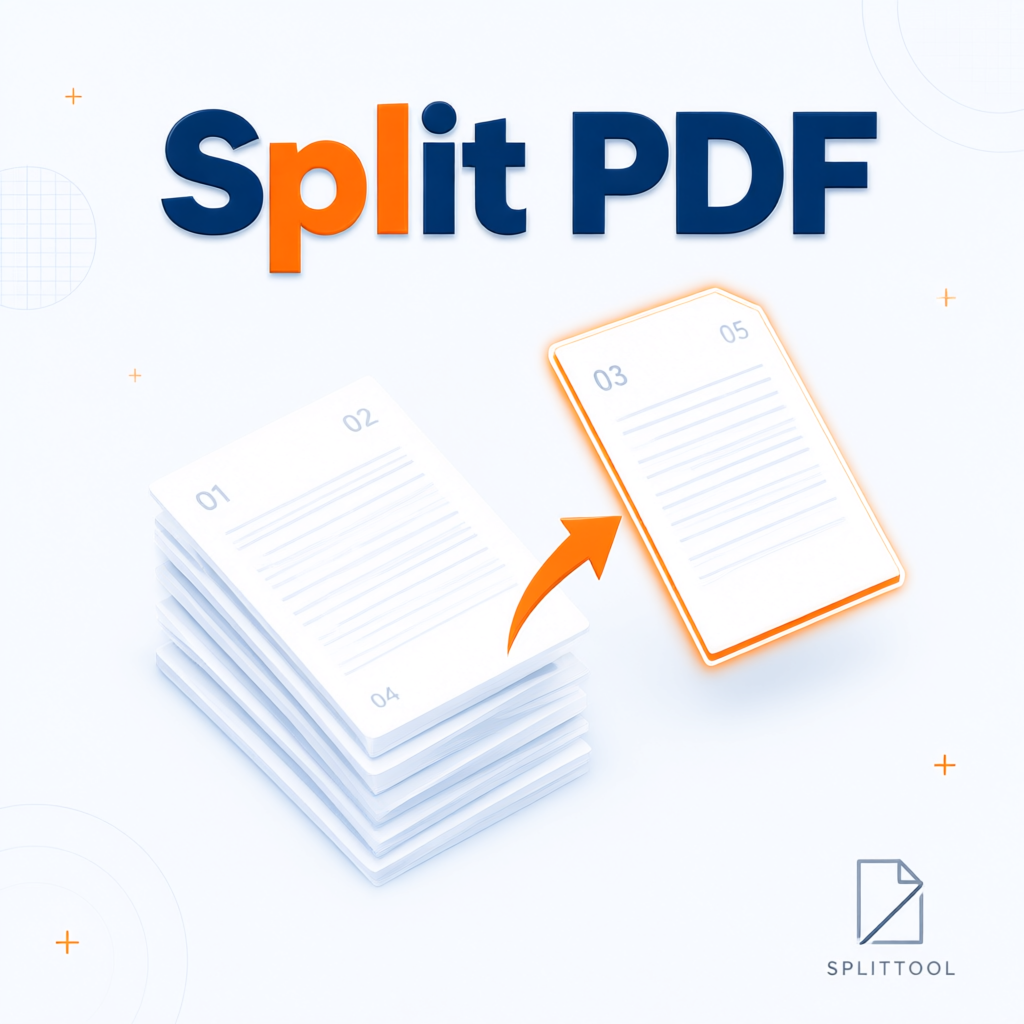
This free online tool lets you quickly split multi-page PDF documents into individual PDF files. Upload your file, select the pages you need using instant thumbnails, and download them as a ZIP archive. Everything works directly in your browser — no software installation, no registration and no watermarks. Perfect for students, office workers and anyone who needs to extract specific pages from large documents.
⚡ Instant Preview
All pages appear as thumbnails right after upload so you can select them easily.
🔒 Privacy Protected
Files are processed temporarily and deleted from the server immediately after download.
📱 All Devices
Works perfectly on smartphones, tablets and desktop computers.
📄 Quality Preserved
Original fonts, images, layout and quality remain fully intact.
How to Split a PDF into Separate Files Online
- Upload your PDF file by dragging it into the upload area or clicking to select
- Wait until all page thumbnails finish loading
- Check the boxes next to the pages you want to keep (all pages are selected by default)
- Click the button “Download Selected Pages as ZIP”
- Save the ZIP archive containing the individual PDF files
Advantages of Our Free PDF Splitter
Traditional desktop software often requires installation and sometimes a paid license. Our online tool makes the whole process much simpler: everything runs in the browser, it is completely free and needs no account. Whether you need to extract pages from contracts, reports, invoices or study materials, you can finish the task in just a few clicks.
Common Use Cases
- Extract specific pages from contracts or proposals
- Split large reports or presentations into individual files
- Save invoices or receipts page by page
- Organize study notes and lecture materials
- Prepare selected pages for sending to clients or colleagues
Frequently Asked Questions about Splitting PDFs
How can I split a PDF into separate files online for free?
Upload the PDF, select the pages you need using the thumbnails, and click the download button. No registration or software installation is required.
Does splitting a PDF reduce quality?
No. Original quality, fonts, images and layout are fully preserved. No watermark is added.
How many pages can I split at once?
There is no strict page limit. As long as the total file size does not exceed 50 MB, any number of pages can be processed.
Do I need to register or pay?
No. The tool is completely free, ad-free and ready to use immediately — no registration and no hidden fees.
Are my files stored on the server?
No. Files are processed temporarily and deleted from the server immediately after the download is complete.
Does the PDF splitter work on mobile?
Yes. The tool is fully optimized for smartphones, tablets and desktop browsers.
What is the maximum file size?
The maximum file size is 50 MB, which is sufficient for most everyday documents.
Can I extract only specific pages?
Yes. After uploading, all pages appear as thumbnails. You can freely select which pages to download.
In what format do I receive the split files?
Each selected page is saved as a separate PDF file and packed into one ZIP archive for download.
Is it safe to split PDFs online?
Yes. Files are deleted immediately after processing and are never shared with third parties.
Which browsers are supported?
The tool works in all modern browsers including Chrome, Firefox, Safari, Edge and mobile browsers.
How fast is the splitting process?
Page thumbnails appear instantly. Creating the ZIP archive usually takes only a few seconds to under a minute, depending on file size and page count.
Practical Tips
If you are working with a large document, make sure the total file size stays under 50 MB. Download the finished ZIP archive as soon as it is ready and store it safely. This tool focuses on fast and reliable PDF page extraction and is excellent for everyday office, study and personal use. If you would like additional features such as page reordering, rotation or deletion, feel free to let us know — we take user feedback into account for future updates.
Looking for a simple and fast way to split PDF into separate files online for free? You have found the right tool. Just upload your file and click the button — done. If you need extra features, write to us and we will be happy to expand the tool.
split pdf into separate files • pdf pages online • split pdf free • pdf splitter online • split pdf into files • pdf into separate pages • split pdf into pages free • pdf extract pages • split pdf into pages • split pdf online no software • pdf into separate files online • split pdf into pages • pdf splitter free • split pdf into separate pdfs • pdf page splitter • how to split pdf into pages • pdf splitter online • pdf into separate documents • split pdf without installation • pdf into separate pages free