Merge PDF Files Online
You can upload multiple files at once
Merge PDF Online Free — No Registration Required
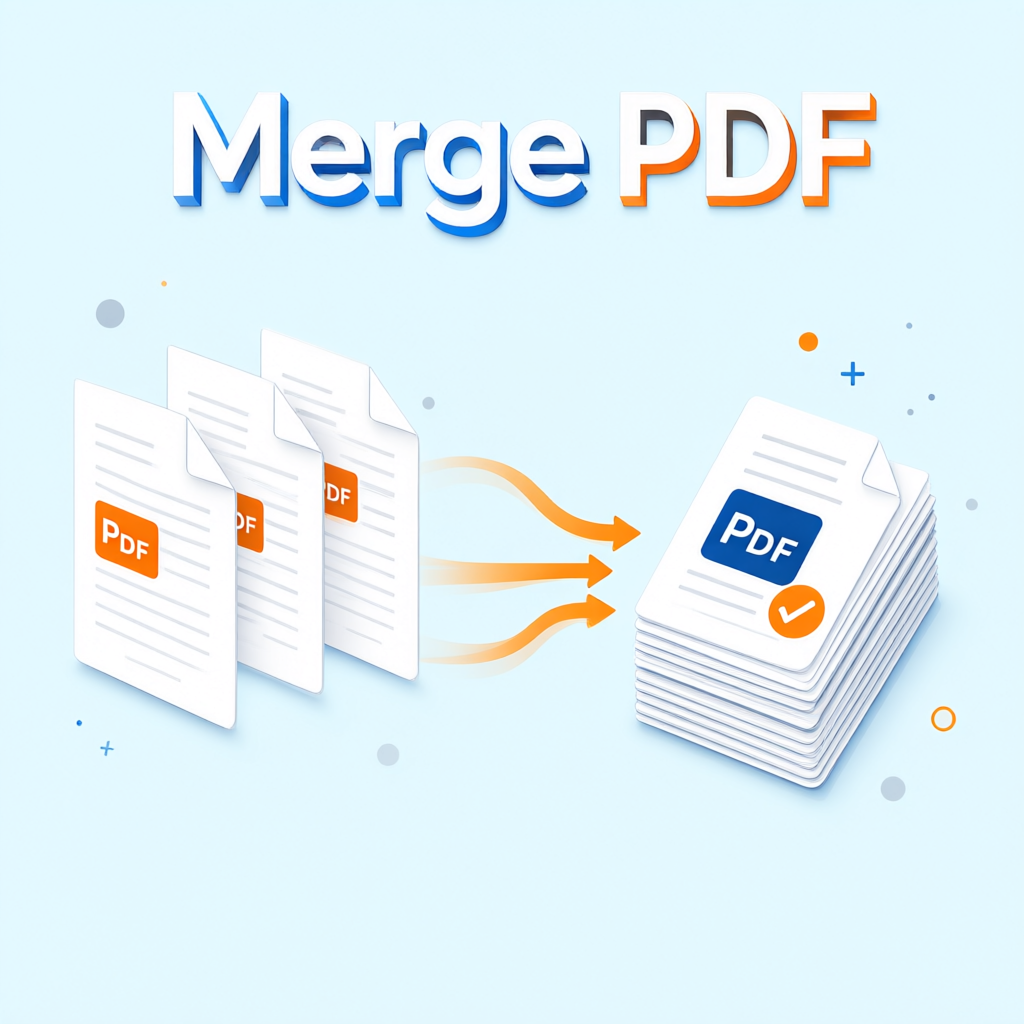
This service lets you merge PDF files in seconds: simply drag and drop or select multiple PDF files, click the “Merge into One PDF” button — and instantly download the combined document. Completely free, no registration, no limits on number of files or pages, no software installation needed. Perfect for work reports, study materials, or personal documents — everything can be quickly combined into a single PDF for easy sharing and archiving.
⚡ Instant Merging
After upload the merged PDF is usually ready for download within a few seconds.
📄 Multiple Files at Once
Upload as many PDFs as you need — as long as the total size stays under 50 MB.
🔒 Privacy Protected
Files are processed only temporarily and deleted immediately after merging.
📱 All Devices
Works perfectly on smartphones, tablets, and computers.
How to Quickly Merge PDFs Online
- Drag multiple PDF files into the upload area or click to select files
- Remove any unwanted files if you change your mind
- Click the big button “Merge into One PDF”
- In a few seconds the “Download Merged PDF” button will appear
- The final file keeps all pages in the original order you uploaded them
Advantages of Our PDF Merge Tool
- Completely free — no hidden fees
- Works in any browser on phone, tablet, or computer
- Supports large PDF files (up to 50 MB total size)
- Preserves original quality, fonts, images, and formatting
- Your files are not stored — everything is deleted immediately after processing
- No ads or pop-ups
Why Choose This Tool?
Traditional methods often require installing desktop software or using limited online services. This tool does everything directly in the browser — no installation, no registration, and no watermarks. Ideal for students combining study materials, professionals bundling reports, and anyone who needs to quickly and easily merge multiple PDFs.
Typical Use Cases
- Combine several contracts, invoices, or reports into one complete document
- Bundle lecture notes or exam materials for convenient review
- Merge scattered scans into a single PDF for archiving
- Prepare unified submission packages
- Process documents on your phone without a computer
Frequently Asked Questions about “Merge PDF”
How to merge PDF online for free?
Upload files and click the button — done instantly. No registration and no software installation required.
Where can I combine PDFs without software?
Right here in your browser, no installation needed. Works on phone, tablet, and computer.
Can I merge many PDFs into one file?
Yes, no strict limits on the number of documents as long as the total size does not exceed 50 MB.
Do I need to register to merge PDFs?
No, use it right away. Completely free with no hidden fees.
Does it keep page order when merging PDFs?
Yes, pages are added in the exact order you uploaded them. All pages remain fully intact.
Does it work on mobile?
Fully optimized for phones and tablets. The interface is adapted for mobile devices and runs smoothly.
Is online PDF merging safe?
Yes, files are deleted immediately after processing. There is no permanent storage and no sharing with third parties.
Does merging reduce quality?
No. Original quality, fonts, images, and formatting are fully preserved — no watermarks are added.
What is the maximum file size?
The total size of all uploaded files must not exceed 50 MB — sufficient for most everyday cases.
Can I remove unwanted files after uploading?
Yes. After uploading, each file has a “Remove” button so you can delete any file at any time.
Can I edit the merged PDF afterwards?
The merged PDF has a fixed layout. For further editing we recommend using a professional PDF editing tool.
Do I need to install any software?
No. Everything works directly in the browser — no installation or download is required.
Additional Practical Tips
If you need to merge documents with many pages, check beforehand that the total size stays under 50 MB. Download the finished file immediately and store it safely. This tool focuses on fast and reliable PDF merging and is excellent for daily use in the office, studies, and personal tasks. If you would like additional features such as page sorting, rotation, or deletion, let us know — we will consider them in future updates.
merge PDF • combine PDF • online PDF merger • merge PDF free • merge multiple PDFs into one • PDF merge without registration • merge PDF online free • quickly merge PDFs • free PDF merger • browser PDF merge • safe PDF merging
Looking for a simple and fast way to merge PDF online free without registration? You’ve found the best option! If you need to merge PDF files urgently — just upload them and click the button. If you’d like additional features (page sorting, rotation, deletion, etc.) — feel free to write, we’ll add them in upcoming updates.